
Live captions & translation for your event.
English, Welsh and Spanish captions as people speak — translated live, on your screens, your livestream and every phone in the room. Rent it by the day. No crew, no subscription.
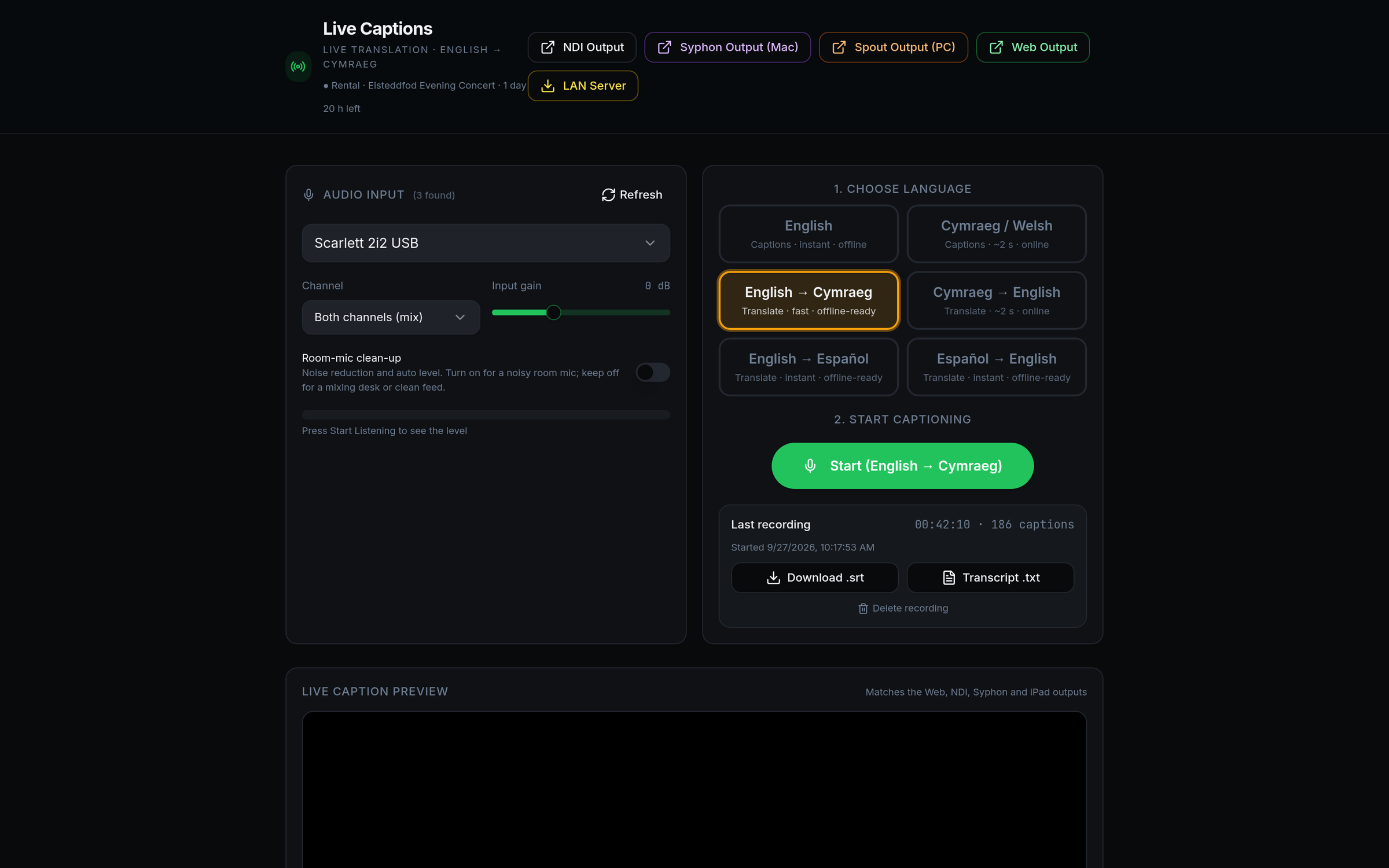
Caption, translate, or show both at once.
Pick a mode before you start. Bilingual modes show the original in white and the translation in yellow underneath, two lines each.
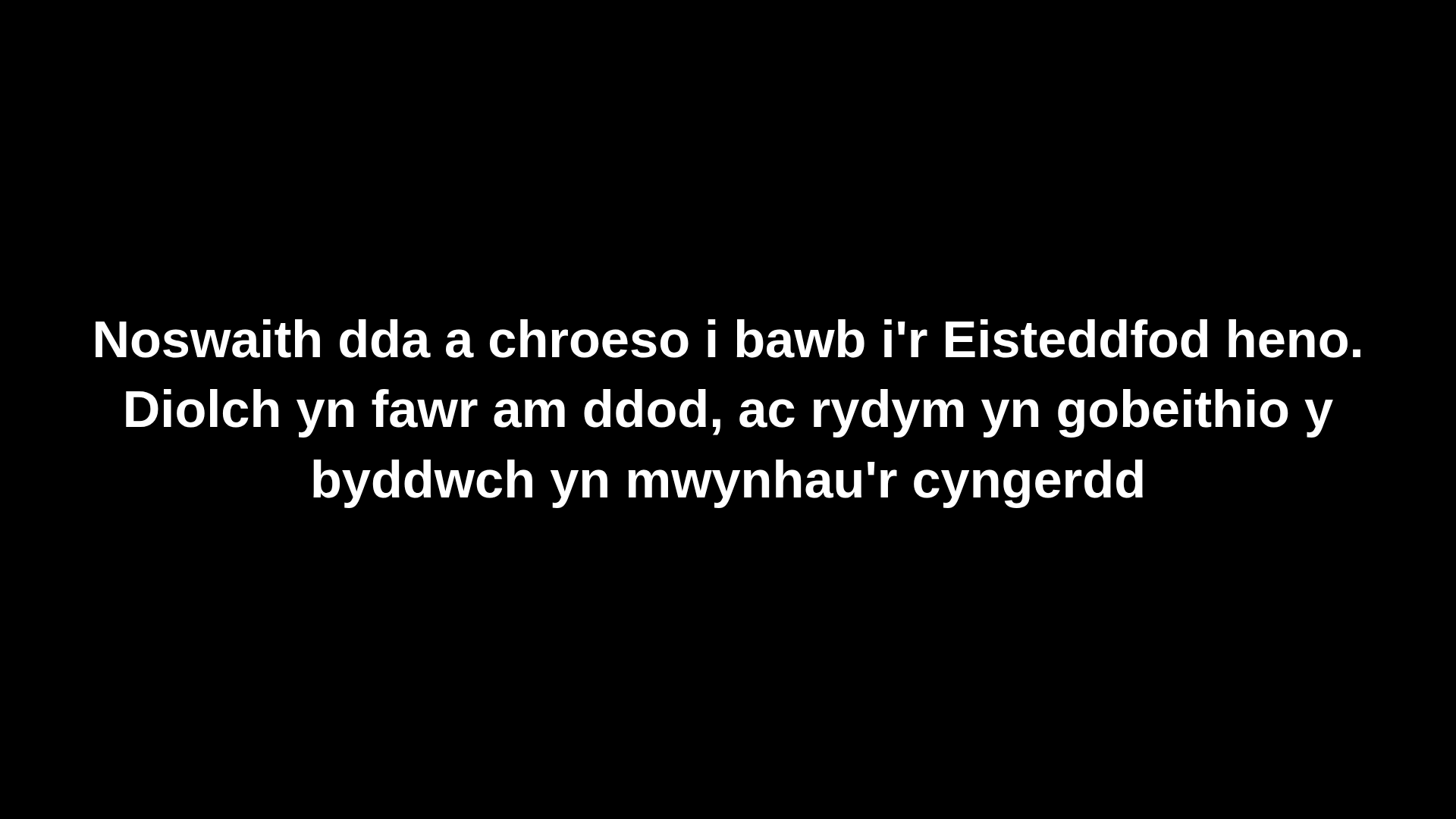
Bilingual caption screen — straight from the app, ready for a projector or TV.
Built for real rooms, not demos.
Words as they're spoken
English and Spanish captions appear while the speaker is still talking. Welsh captions and translations follow about 2 seconds behind the speaker.
Welsh, properly
Welsh speech recognition and translation powered by Bangor University's Techiaith models, with an offline option for your Mac or PC. Welsh appears in short phrases, about 2 seconds behind the speaker.
On every phone in the room
Show a QR code and your audience reads the captions on their own phone — iPhone, Android or iPad. Nothing to install.
Any audio input
Use a USB mic, your audio interface, a desk feed or the computer's own sound. Pick the channel and set the gain.
Ready for production
Send captions to OBS, vMix, Resolume and more as a web source, NDI, Syphon (Mac) or Spout (Windows).
Keep a record
Record the session and download a timed SRT subtitle file for your recording, in one or both languages.
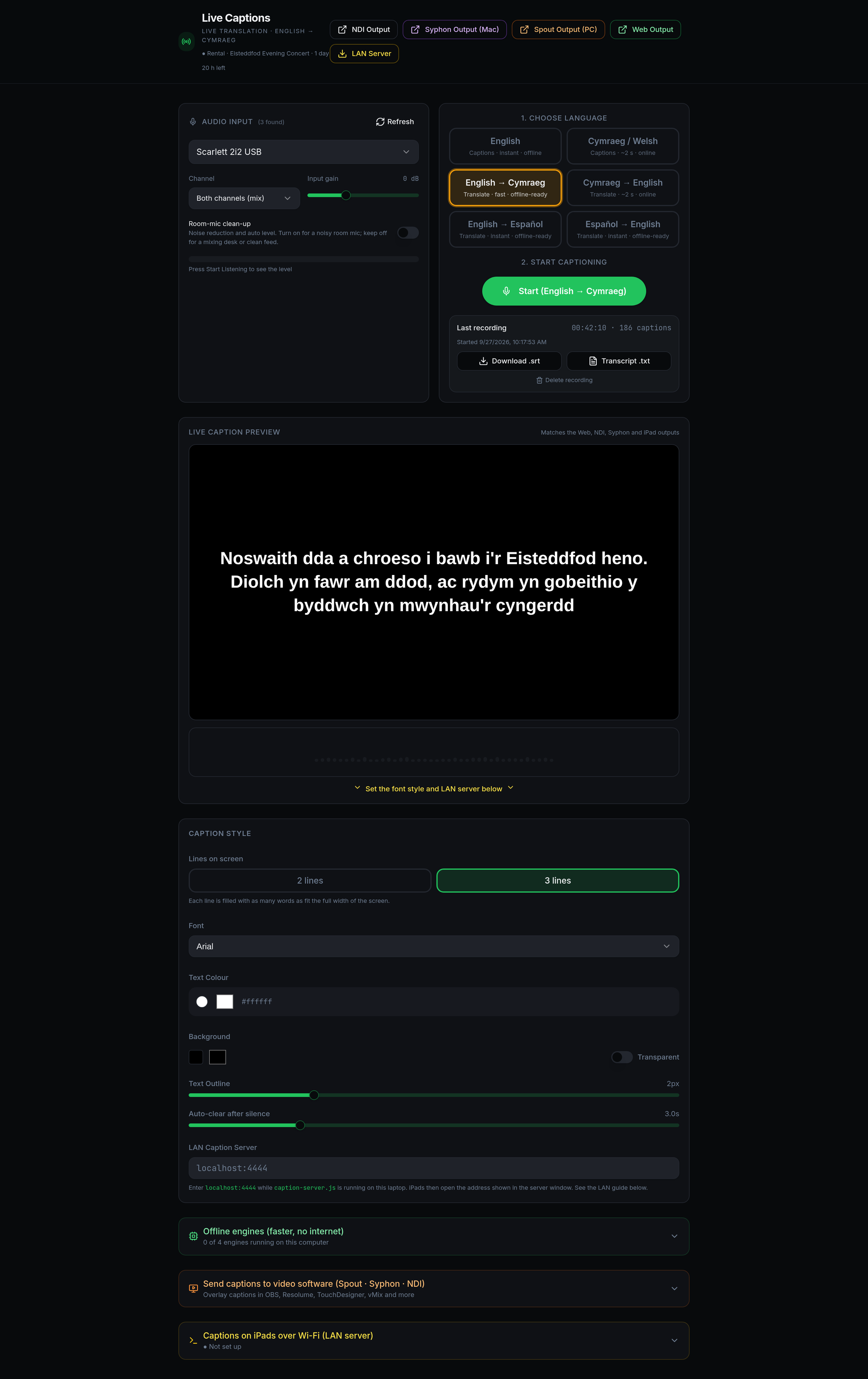
Set up in minutes.
Open Pont in Chrome, choose your language, audio and caption style, and press Start. The preview at the top shows exactly what your audience sees.
- Font, size, outline and 2 or 3 lines
- Live audio meter to check your feed
- Installs as a Chrome app on Mac and Windows
- Built-in diagnostics if something isn't heard
Wherever your audience is looking.
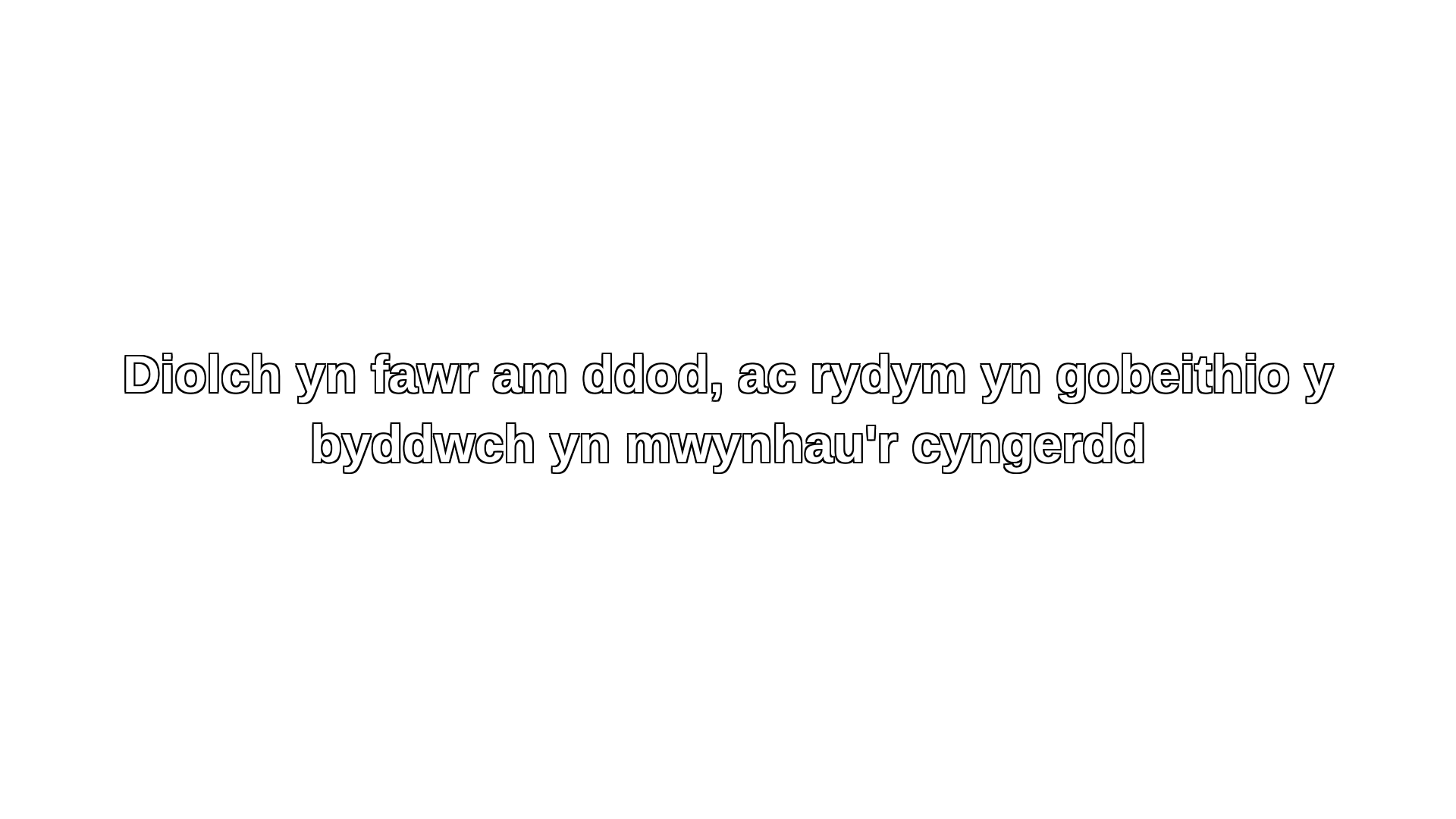
Livestream overlay — transparent captions over your video in OBS or vMix.
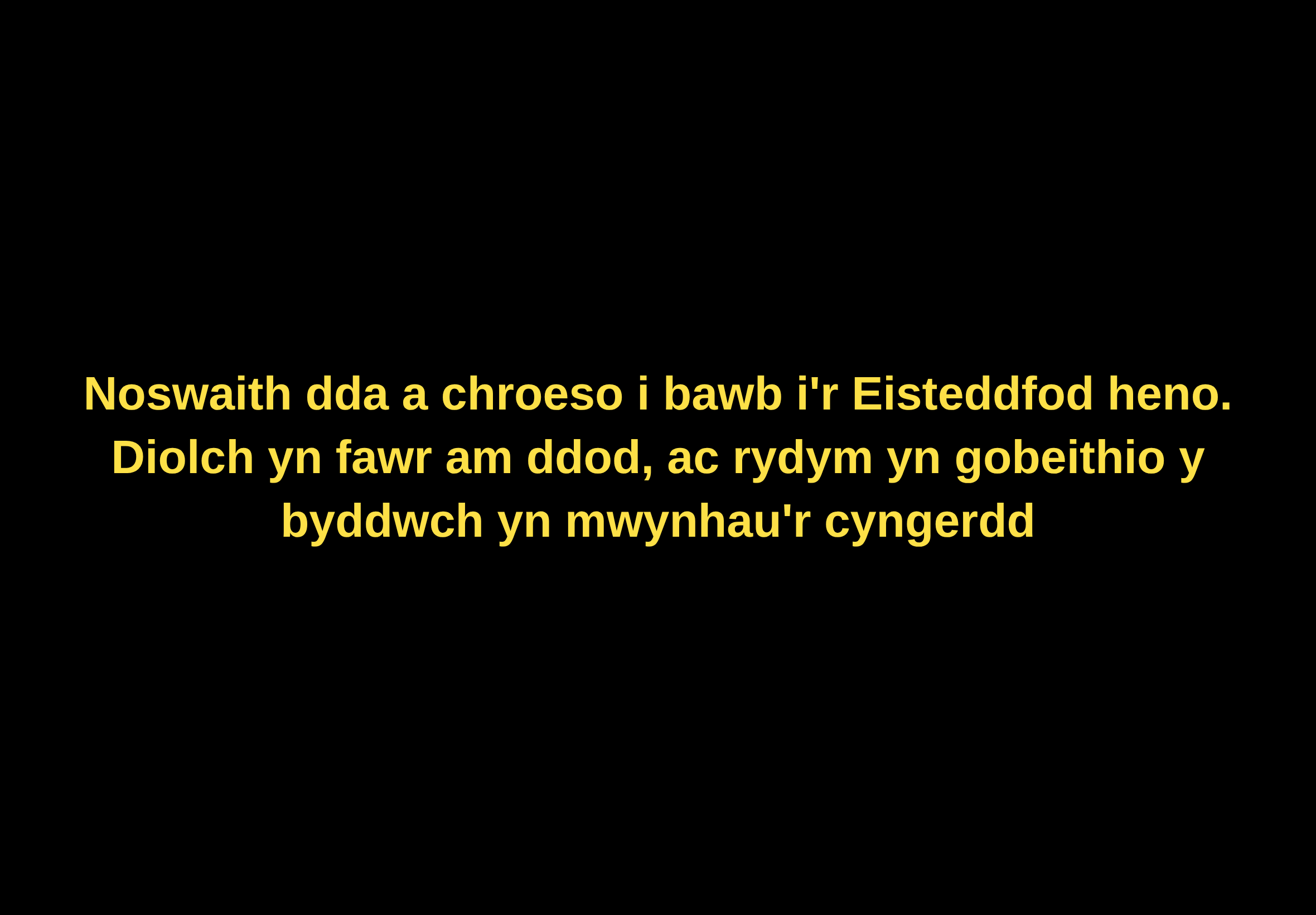
Phones & tablets — scan the QR code, read along.
Book it like a piece of kit.
Choose your days
Pick a 1, 3 or 7 day rental below and check out securely.
Get your code
Your rental code arrives by email within minutes of payment.
Open Pont
Open the app link in Chrome on your Mac or PC and enter the code.
Go live
Your days start the first time you activate — test the day before if you like.
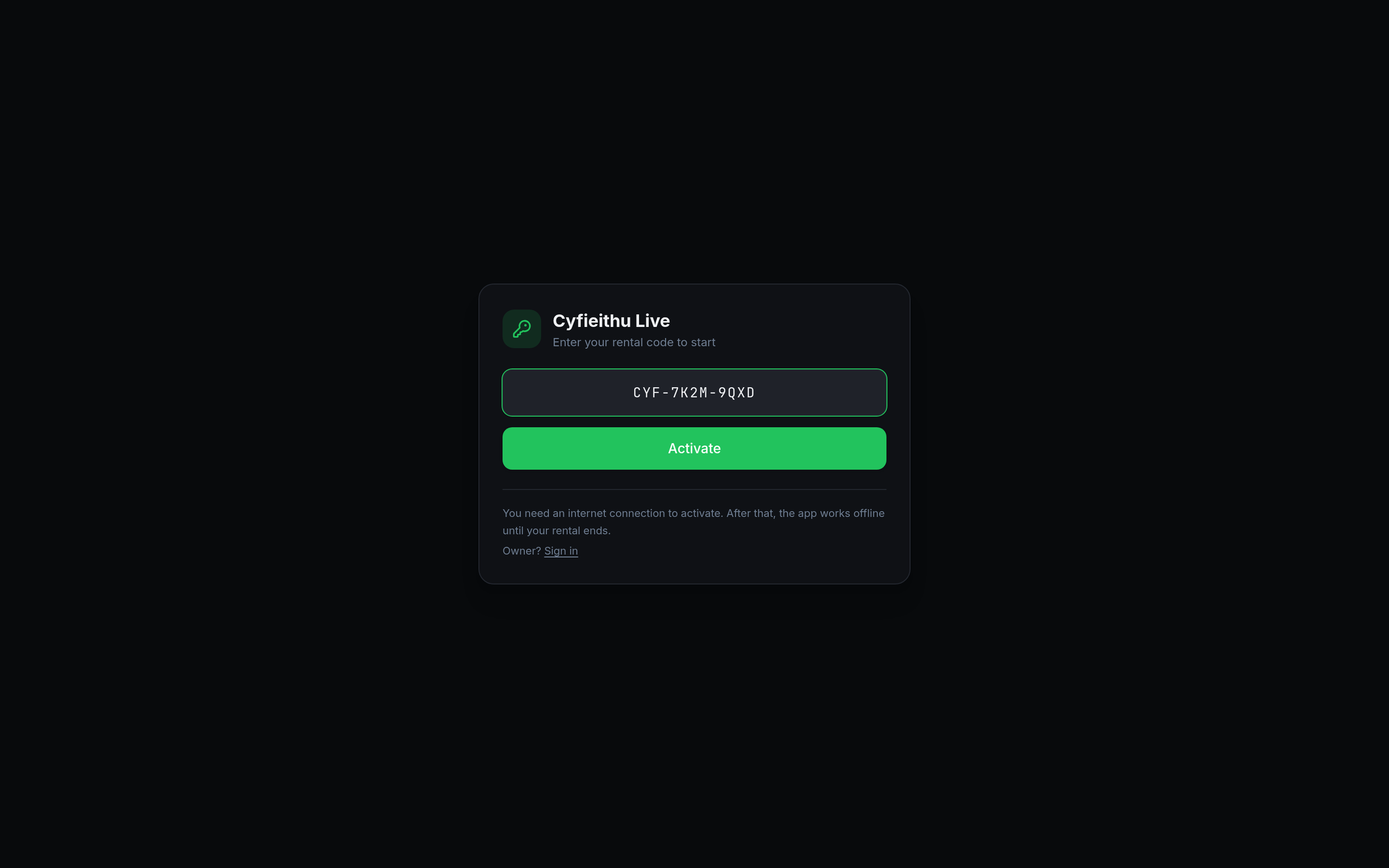
Paste it into Pont and press Activate. One code, one computer at a time — and if the internet drops mid-event, Pont keeps running until your rental ends.
Pay only for the days you need.
1 day
- All ten language modes
- All outputs and audience QR
- SRT recording
3 days
- Everything in 1 day
- Rehearsal plus show days
- Email support
7 days
- Everything in 3 days
- Best value per day
- Priority email support
Longer than 7 days?
Residencies, term-long courses, several computers or someone to run captions for you on the day — tell us what you need and we'll agree a price.
Prices include VAT where applicable. Days start when you first activate your code.
Kit you probably already have.
Good to know.
When does my rental start?
The clock starts the first time you enter your code in Pont, not when you buy it. A 1-day rental gives you 24 hours from that moment.
How accurate are the captions?
Very good with a clear microphone and one speaker at a time. Like all automatic captioning it can mishear names and specialist terms, so it's ideal for access and understanding rather than legal transcripts.
Is there a delay?
English and Spanish captions appear almost instantly, word by word. Welsh captioning and any translation to or from Welsh take about 2 seconds, because Pont waits for a short phrase before showing it. That keeps the Welsh accurate, and it's still quick enough to follow along comfortably.
Does it work without internet?
English captions can run on the computer itself in Chrome, and English → Welsh translation has an offline model. Welsh speech recognition can run offline with the free Pont Welsh Speech add-on for Mac or PC. We still recommend an internet connection, especially for the audience phone link.
Can the audience read captions on their phones?
Yes. Pont shows a QR code — anyone can scan it with an iPhone, Android phone or iPad and follow the captions in their browser. No app or Wi-Fi setup needed.
Can I use it on an iPad?
An iPad can display captions, but Pont itself needs to run in Chrome on a Mac or Windows computer.
I didn't receive my code.
Check your spam folder first. If it's not there, contact us with your order number and we'll send it straight away.
Make your next event readable.
Pont is made in Cardiff by Studio Cano. Rent it yourself, or ask us to run captions and translation for you on the day.
Welsh speech and translation models by Techiaith, Bangor University.